2:14
0:48
3:05
1:32
4:20
1:05
Screen, camera and voice recording in Chrome. Share a link in seconds.
Free plan included. No credit card required.
2:14
0:48
3:05
1:32
4:20
1:05
2:14
0:48
3:05
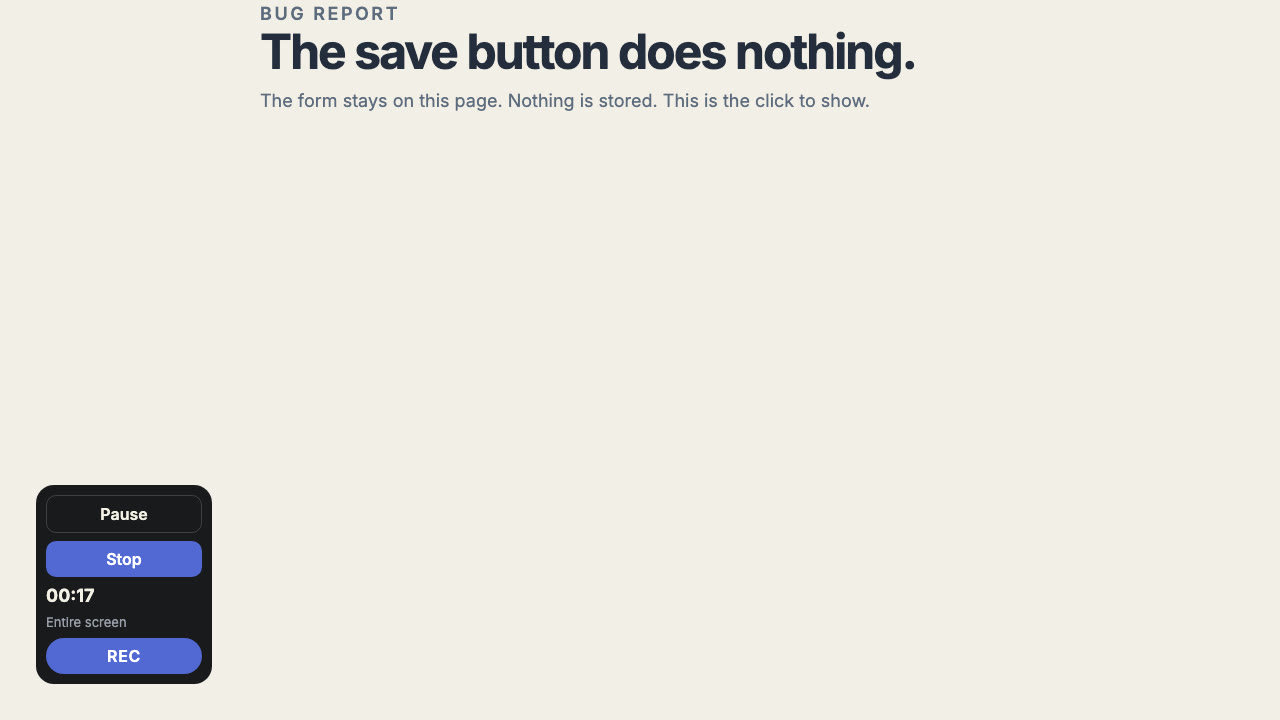
I record the failing screen, drop the link in the ticket, and that is the whole report. We stopped booking a call just to watch someone click.
I talk through the spacing for twenty seconds and send one link. Nobody has to download a file or guess which screen I meant.
A customer question used to take four messages. Now the next reply is the fix, because they already saw the recording.
New teammates get a two-minute recording of the flow. I record it once and get back to the work.
For everyday screen recordings. Screen, camera and microphone, with shareable links and view counts. $0, forever.
Get started freeFor longer recordings and more control: tab, window and app recording, plus advanced audio, quality and cursor controls.
New accounts get 14 days of Pro. Stay on Free when the trial ends.
Yes. The Free plan includes up to 25 videos, with a 5-minute limit per video. No credit card needed.
ScrCast is in the Chrome Web Store. Add it to Chrome, pin it, and sign in with your ScrCast account.
You keep using Free, or choose Pro if you need longer recordings and more storage.
Only people you share the link with. Your videos aren't listed or searchable anywhere.
ScrCast records in Google Chrome on Windows, Mac and Linux. Shared videos play in any modern browser.
*and a lot fewer “quick calls”.